Chapter 5: AI-Native Workflows: Plan/Act, Test/Code, Doc/Code/Doc
Plan/Act, Test/Code, Doc/Code/Doc are the new operating system of engineering.
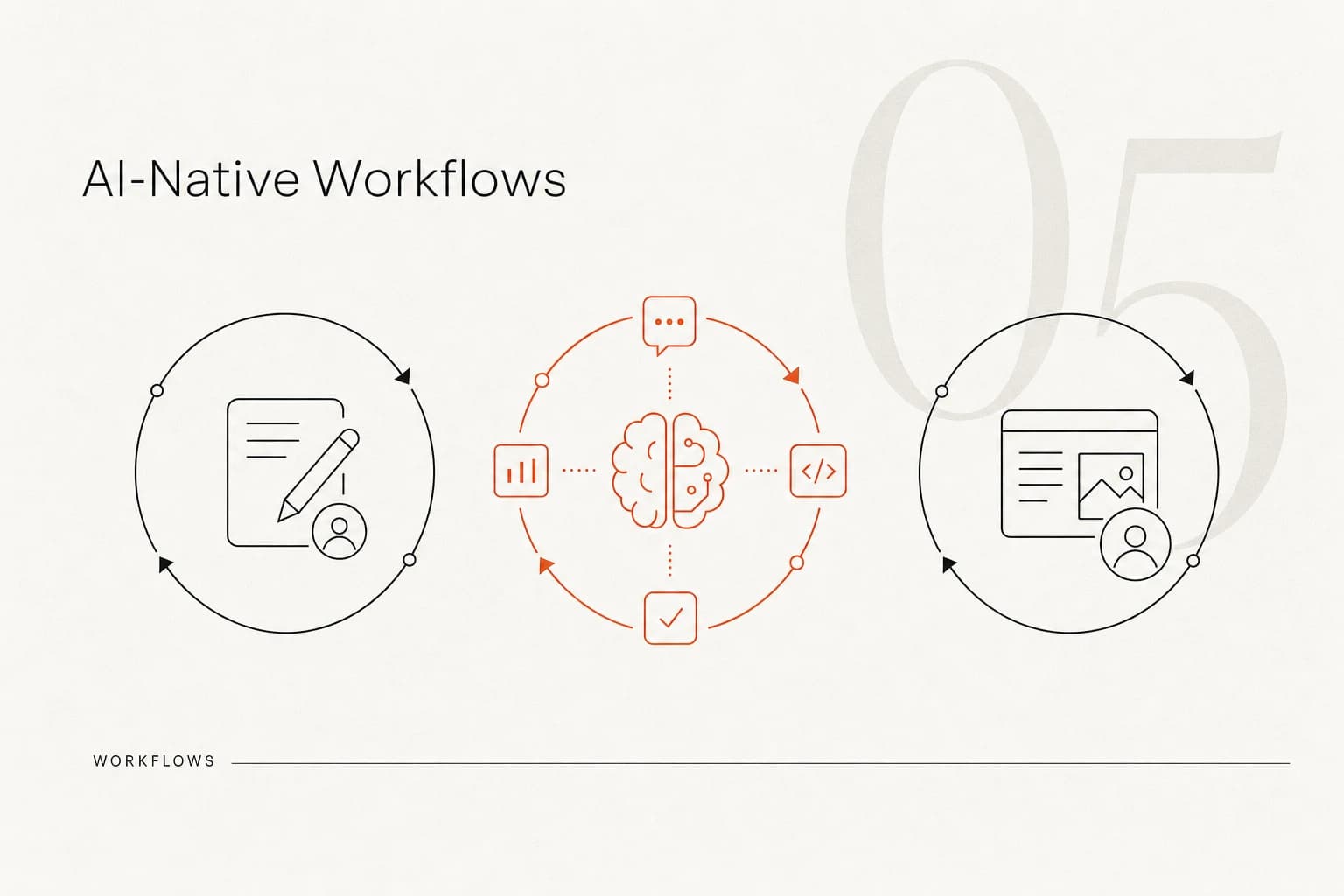
"Plan/Act, Test/Code, Doc/Code/Doc are the new operating system of engineering."
Extended reading: This chapter is a comprehensive application at the workflow level of AI Statelessness and Context Window and Test/Code Loop: Why Test Code Is More Important Than Functional Code.
This chapter organizes workflow practices scattered in conversations, focusing on three loops:
Plan/Act, Test/Code, Doc/Code/Doc, and how they're actually implemented in a two-person small team.
1. Plan/Act: don't look at code first, explain the problem clearly first
A summary of real-world experience is:
"After I get something, I must never look at code first, but clearly describe the requirement to AI."
A typical Plan/Act flow is:
- Describe the problem/requirement first, rather than directly opening a 3,000-line large file
- Let AI try to solve it first, observe its execution process
- After each round ends, immediately verify results to see if the problem is really solved
- At the same time, pay attention to context usage percentage, sense where this AI's thinking logic has gone
If it's not solved after two rounds:
- Have AI summarize its thinking process into a document
- Use this summary document as a "relay baton" to hand to a stronger model or a new session
- Continue searching and trying on this basis
When entering the so-called "deep waters":
- AI has tried multiple rounds and still hasn't solved it
- At this point, start manually reading code and manually modifying
- At the same time, use debug logs and documents generated by AI as auxiliary information (see Debugging: Finding Bugs with AI in Deep Waters for details)
2. Test/Code: using tests to drive AI's chaotic productivity
In AI-native scenarios, the essence of the Test/Code loop is:
"Use massive test cases to cover the parts your brain can't cover."
This is already detailed in the Test/Code Loop: Why Test Code Is More Important Than Functional Code chapter. Here we only emphasize the parts related to workflows:
- When developing new requirements, try to have AI generate both functional code and test code simultaneously
- Humans should put most energy into test code during code review:
- Whether the framework is standardized
- Whether cases cover key branches
- Whether AI arbitrarily modified old tests
- Functional code can be "boldly handed to AI to write," but only boldly within the test net; outside the test system, be very conservative
In this mode, you can accept:
- AI's functional code is "written in chaos"
- But you cannot accept test code being "randomly changed back and forth in chaos"
3. Doc/Code/Doc: documentation only records "results," not "process"
In traditional software engineering, many teams operate as follows:
- Write PRD
- Then write Tech Doc
- Then write execution records
- Finally write code, and constantly backfill these documents
With AI assistance, this model has two fatal problems:
- Too much documentation, human brains can't read through it, and you'll quickly lose control of the codebase
- Documentation and code are extremely difficult to keep in sync. Once out of sync, you feed AI a lot of contradictory information
Practical experience is:
- Simplify this entire set to: only one type of document, and documentation and code must always be consistent
- No longer distinguish between PRD and TDD, but use one "simplest document" to carry high-level design and key flows
- Documentation scope should deliberately stay at a high level:
- Global architecture
- Core module responsibilities
- Key flows (can include diagrams)
- If you want to write a document with a scope lower than this, it probably shouldn't exist
For procedural plans and execution records:
- Can be written to help the current round of AI work
- But after tasks are complete, either delete them, or only extract "conclusive information" from them and merge into main documentation
- Never keep descriptions like "we changed A to B" in the codebase
This is consistent with the principle of "delete all A, only keep B" in AI Statelessness and Context Window.
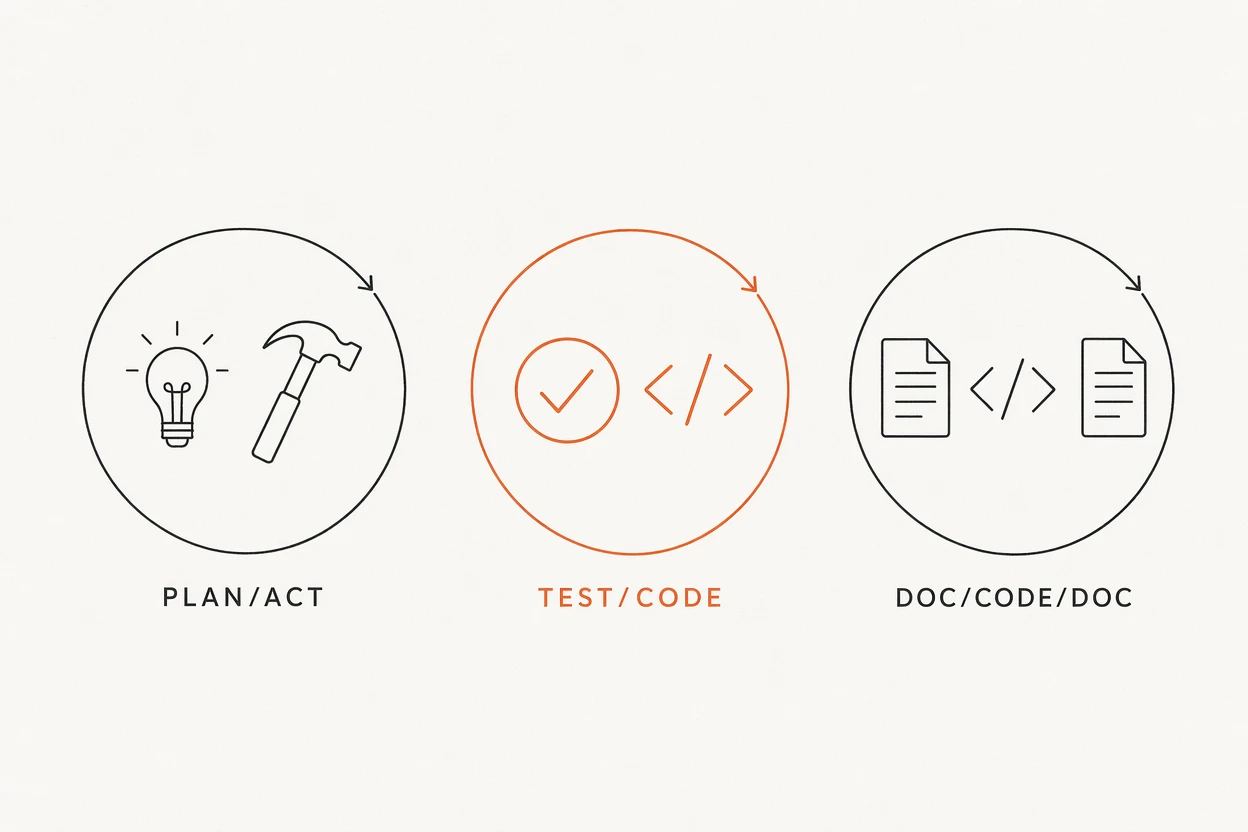
4. Standard workflow for medium-to-high complexity requirements
Combining the above experience, a standard workflow for medium complexity and above requirements is roughly:
Session 1: Understanding and Planning
- Have AI read more global documents and related code
- Have it write an execution plan (Plan in Plan/Act)
- Humans carefully review this plan, discuss unreasonable points
- Solidify the confirmed plan into a document (snapshot)
Session 2: Execution and Testing
- Start a new AI session that only reads this plan document
- Execute step by step, generate/improve corresponding tests after each step (Test/Code)
- Humans do minimal necessary review after each step, especially focusing on tests and boundaries
Session 3+: Relay and Restart
- When finding AI becomes dumb (e.g., context remaining less than 40%, or repeatedly making the same mistakes)
- Use current plan and execution results to start a new session, continue at the breakpoint
- When necessary, switch models or tools (e.g., from IDE internal Agent to Codex/Claude Code)
Wrap-up: Cleanup and Solidification
- After all tests, lint, and quality checks pass
- Delete procedural plan documents
- Solidify truly valuable conclusions into long-term documentation (Doc/Code/Doc)
5. UI/UX workflow: design first, AI assists restoration
Extended reading: How this workflow relates to reducing vertical complexity, see From Vertical to Horizontal Complexity.
On the frontend/UI line, for a team with designers, a relatively mature AI-native workflow is:
- Designers use Figma to make hi-fi design drafts
- Export an initial component code version through Figma → code plugins
- Frontend engineers use Cursor and other IDE-type tools to:
- Adjust details
- Split and reorganize according to existing component library/design system
- Storybook as the "alignment platform" between design and frontend:
- Designers need to do variable, componentized design
- Frontend ensures design restoration doesn't drift through Storybook
An important experience here is:
- Design-side progress is usually faster than frontend
- Can hand "generating rough UI structure" work to designers and Figma plugins
- Frontend engineers more play the role of "transforming design into maintainable code," rather than "thinking up UI from scratch"
6. Programmer = manager of documentation and context
A very representative feeling is:
"I didn't expect that in the future, programmers might basically be document organizers dealing with AI."
Because:
- Too much documentation, too dense
- Many forward and backward jumps, need to always follow various conventions
- At the same time, ensure there's no self-contradictory information between prompts, code comments, documentation, and tests
This sounds a bit "diminishing," but from an AI-native perspective, this is an inevitable result:
- Code productivity has already switched from "humans write" to "AI writes"
- Human work focus has changed from "writing every line of code correctly" to "managing context, managing tests, managing documentation consistency"
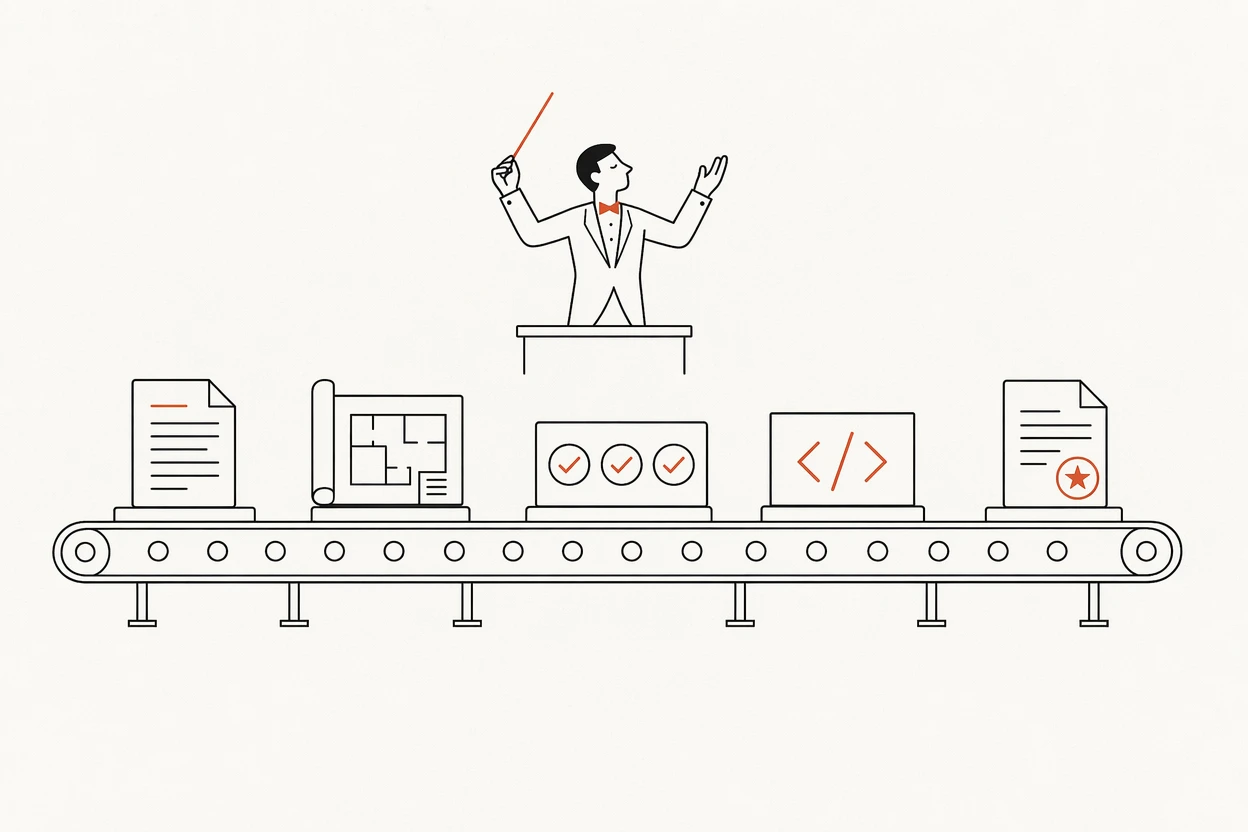
7. Summary: from "writing code" to "designing workflows"
Plan/Act, Test/Code, Doc/Code/Doc: these three loops are essentially three aspects of the same thing:
- Plan/Act: Clearly explain "what to do," avoid ineffective code churn
- Test/Code: Use tests as a safety net for chaotic code written by AI
- Doc/Code/Doc: Use minimal conclusive documentation to maintain long-term comprehensibility
In the AI-native era, engineers' core capabilities are no longer:
- How many lines of code they can write by hand
- How many language details they master
But:
- Designing a workflow that AI can execute efficiently and won't "write itself into a corner" in three months
- Knowing where to let AI relay, where to step in personally
- Knowing what should be recorded as "snapshots," what should be deleted in time
Get new articles by email
One email when a new article lands. Nothing else.